Sharing
Share a film with family. No sign-up, no router settings.
ForgeVault gives you three ways to share what's on your server: accounts for the people you live with, private links for anyone else, and watch parties for watching together from different houses.
Private share links
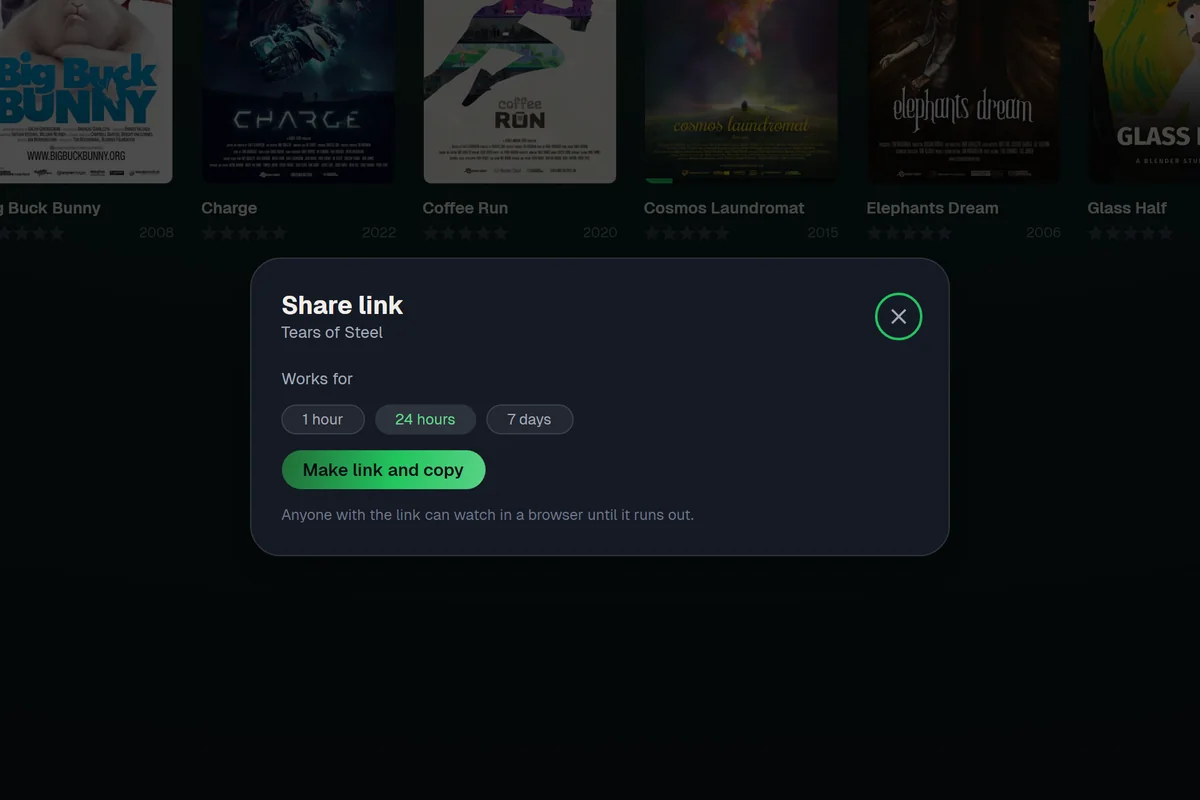
Open a film, a show or an album, choose Share link, pick how long it should work, and copy the link. The person you send it to gets a player page in their browser with the poster, the synopsis, play and resume, and subtitles. They don't need an account, an app, or anything installed.
- Links run out. An hour, a day or a week, and then the link stops on its own.
- Stop one at any moment. Settings › Share links lists every live link, and Stop ends it at once.
- See who's watching. Each live link shows when it's being watched.
- Only what you chose. A link opens the one thing you shared and nothing else on your server.
Nothing to change on your router
Most home media servers ask you to forward a port on your router before anyone outside can watch. ForgeVault doesn't. When you make a link, the server opens a secure tunnel for it, and guests reach your server through that. No port is opened, your home address isn't in the link, and the connection is encrypted.
Guests can only reach the share player, never your libraries, settings or accounts. Each guest's requests are rate limited, and a link can only run a couple of video conversions at a time, so a shared show can't tie up your server. The tunnel's address changes when the server restarts, so links also end then. If you'd rather use your own web address, you can put it in front of the guest player in the server's settings.
Watch parties
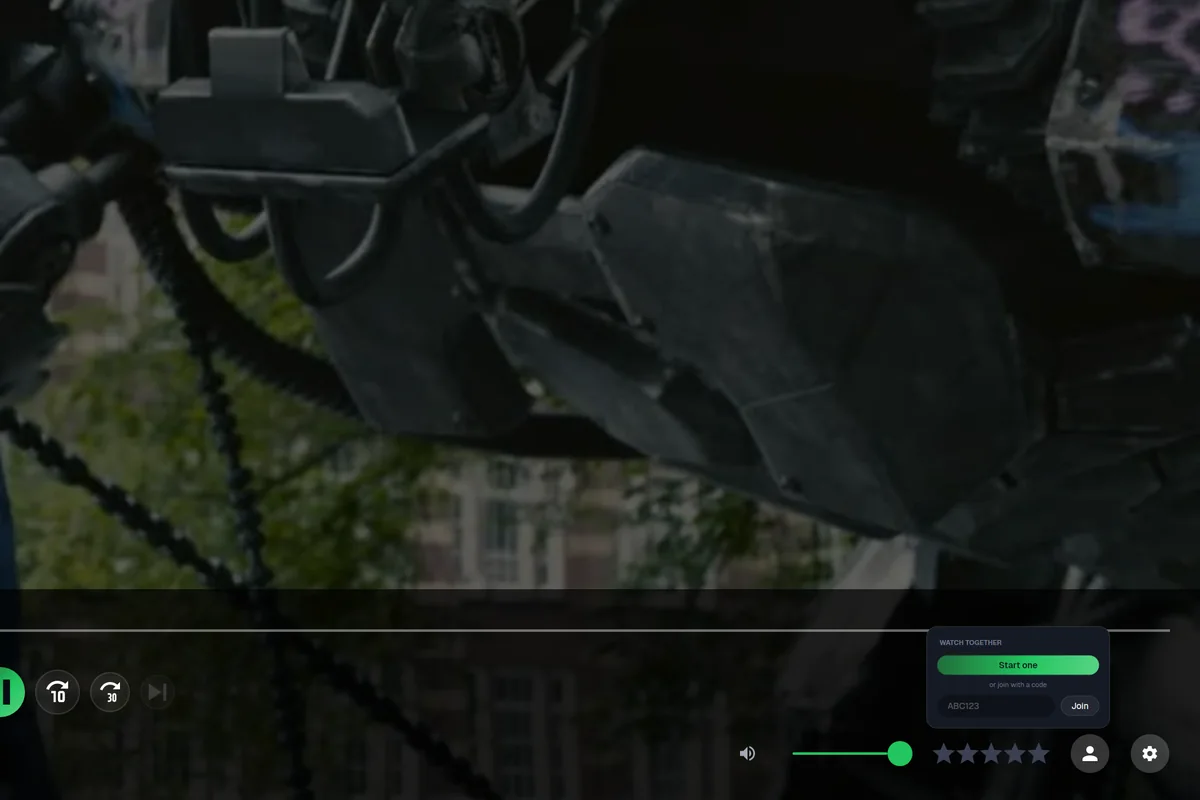
Start a watch party from the player and share its code. Everyone who joins sees the same moment: play, pause, seeking and changing to the next episode stay in sync for the whole party, and anyone in it can steer. A short network blip doesn't throw anyone out, and the party closes when the last person leaves.
Codes are forgiving: spaces, dashes and lower case all work. Someone who doesn't have access to the library you're watching is told so, rather than left with a blank screen.
Accounts for your household
For the people you live with, accounts are better than links. Create one for each person at no extra cost; they sign in with their own profile and get their own watch history, progress, ratings and likes. Put people into groups and share libraries with groups, so each person only sees what you've shared with them. Admins can reset a password, change a profile picture or remove an account from Settings.
Casting between your own screens
Sharing also works between your own devices. Pick another ForgeVault app from the player, such as the TV app, and what you're watching moves there at the same second. Pause, seek and change the volume from the device in your hand.
Share what's yours to share
Share links are for family and friends, now and then. ForgeVault doesn't supply any films, music or books, and you should only share media you have the right to share. Our terms of service explain the details.