Apps
ForgeVault on Windows, macOS, Linux, Android and your TV
ForgeVault has two halves: the server, which keeps your library on a computer at home, and the apps you watch, listen and read with. One licence covers the server and every app, on as many devices as your household uses.
At a glance
| Device | What you get | Good to know |
|---|---|---|
| Windows | The server and the desktop app | The server can sit in the tray and start hidden, as a background service |
| macOS | The server and the desktop app | Give ForgeVault Full Disk Access once if your media is on a network drive |
| Linux | The server and the desktop app | Runs happily on an always-on box under a desk |
| Android phones and tablets | The phone app | Offline downloads, background music and lock-screen controls |
| Android TV | The TV app | Made for the remote: every screen works with the D-pad alone |
| Any modern browser | The guest player for share links | Friends and family watch with no account and no app |
The server
The server is the part that holds your library. It runs on a Windows, macOS or Linux computer that stays on while you watch: a spare desktop, a small always-on PC or the computer you already use. It scans your folders, keeps the database and artwork, and sends each app exactly what it can play, converting only when it has to.
- A console dashboard that shows its address, your libraries and what it's working on
- A tray icon on Windows and macOS to open it in a browser, show the console or quit
- A job list for scans, downloads, intro detection and artwork, with pause, resume and retry
- Announces itself on your home network, so the apps find it without an address
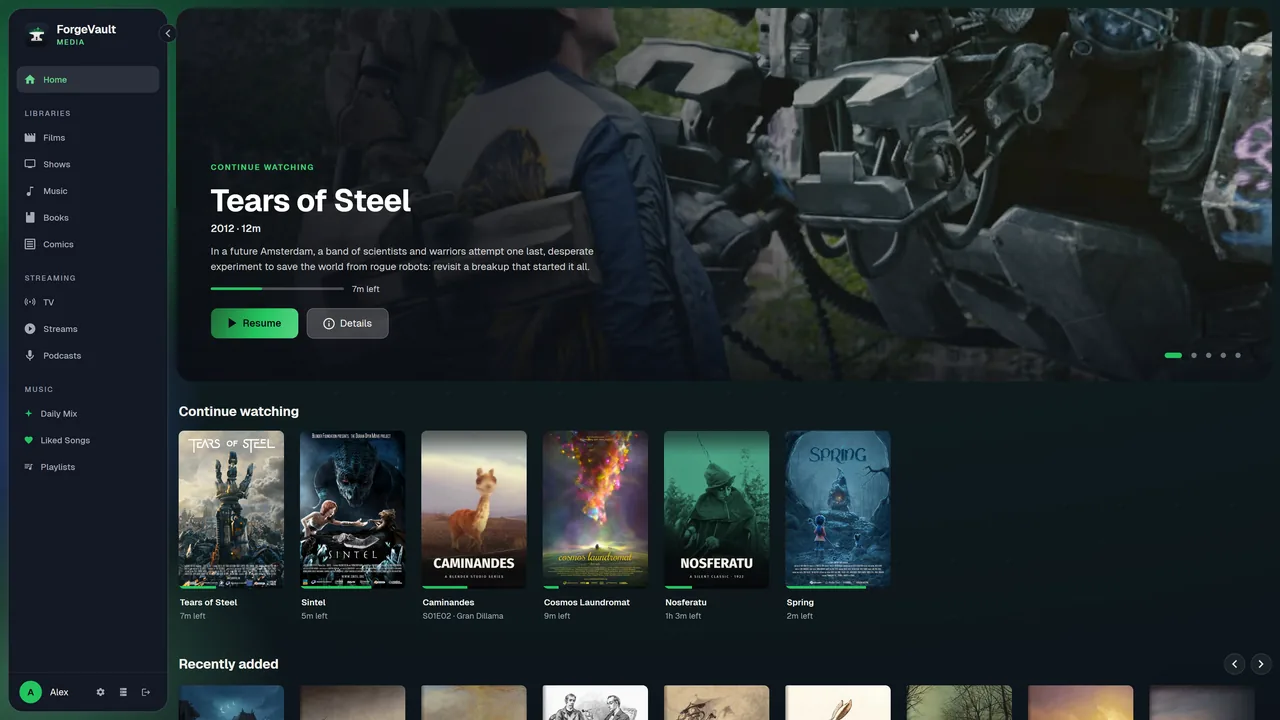
Desktop apps for Windows, macOS and Linux
The desktop app is the full ForgeVault: every library, the player, music, the book and comic readers, downloads, and Settings for the people who run the server. It brings its own player, so there's nothing else to install, and it plays even when the server can't be reached, from what you've downloaded.
- Full screen or a small corner window while you work
- Keyboard shortcuts, right-click menus and a collapsible sidebar
- Switch between several servers without signing in again
- Nine accent colours, or your own
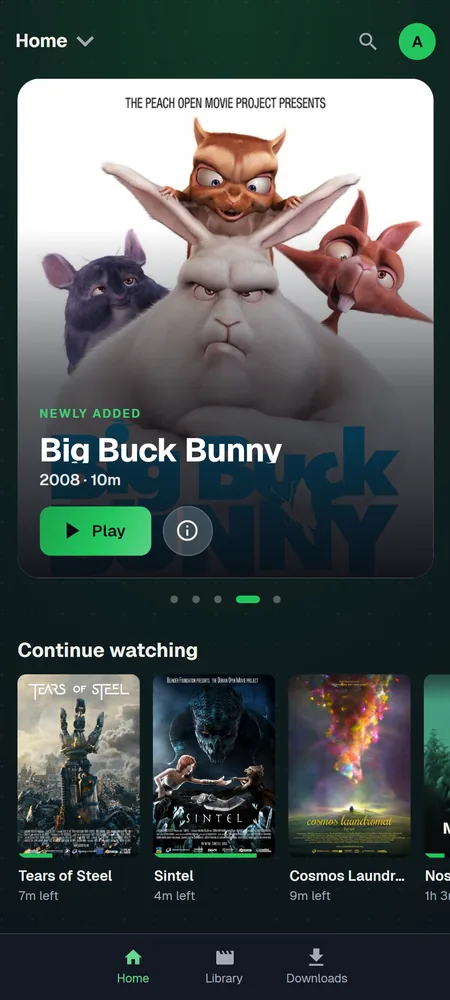
Android phones and tablets
The phone app carries your whole library: films, shows, anime, music, books and comics, with the same filters and A–Z rail as the desktop. Music keeps playing with the screen off, with controls on the lock screen and in the notification.
Download films, episodes, seasons, albums and books for a trip. 5.1 and 7.1 surround tracks play on the phone itself, so the sound stays the way it was mixed. Your server also hosts its own app repository, so the Android apps can update straight from home.
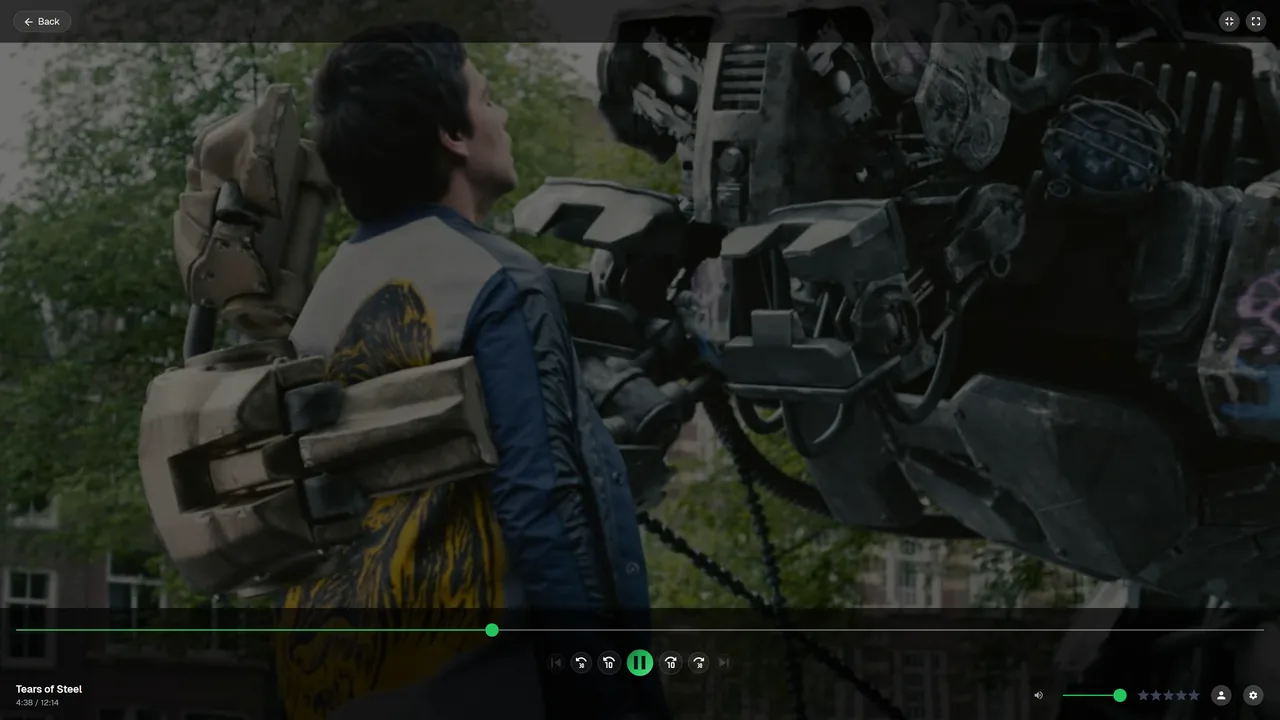
Android TV
The TV app is built for the sofa. Every screen works with the remote's D-pad, the focus ring is always easy to see, and an on-screen keyboard appears for every text field. Browse your films and shows on big posters, then play with skip intro, subtitles and up next, all from the remote.
Cast from your phone or computer to the TV and it carries on from the same second, with the phone as the remote. Boxes without the app can open the TV client in their browser instead.
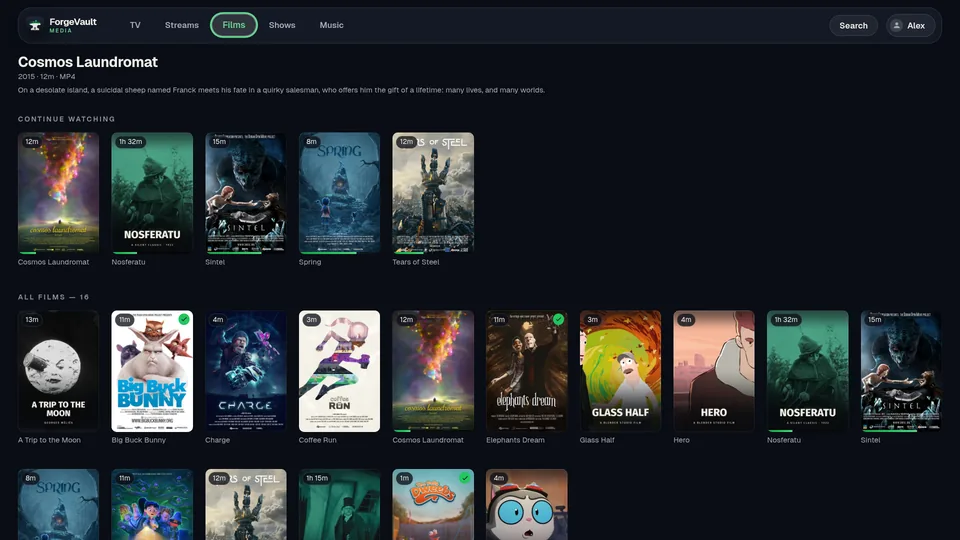
In a browser
When you share a film, a show or an album, the person you send it to gets a small player page in their browser, with the poster, synopsis, play and resume, and subtitles. They don't need an account, an app or anything installed. See how share links work.
iPhone, iPad and Apple TV
There's no ForgeVault app for iPhone, iPad or Apple TV yet. Share links do play in Safari, and the server runs on a Mac. If an Apple app matters to you, write to us at [email protected].